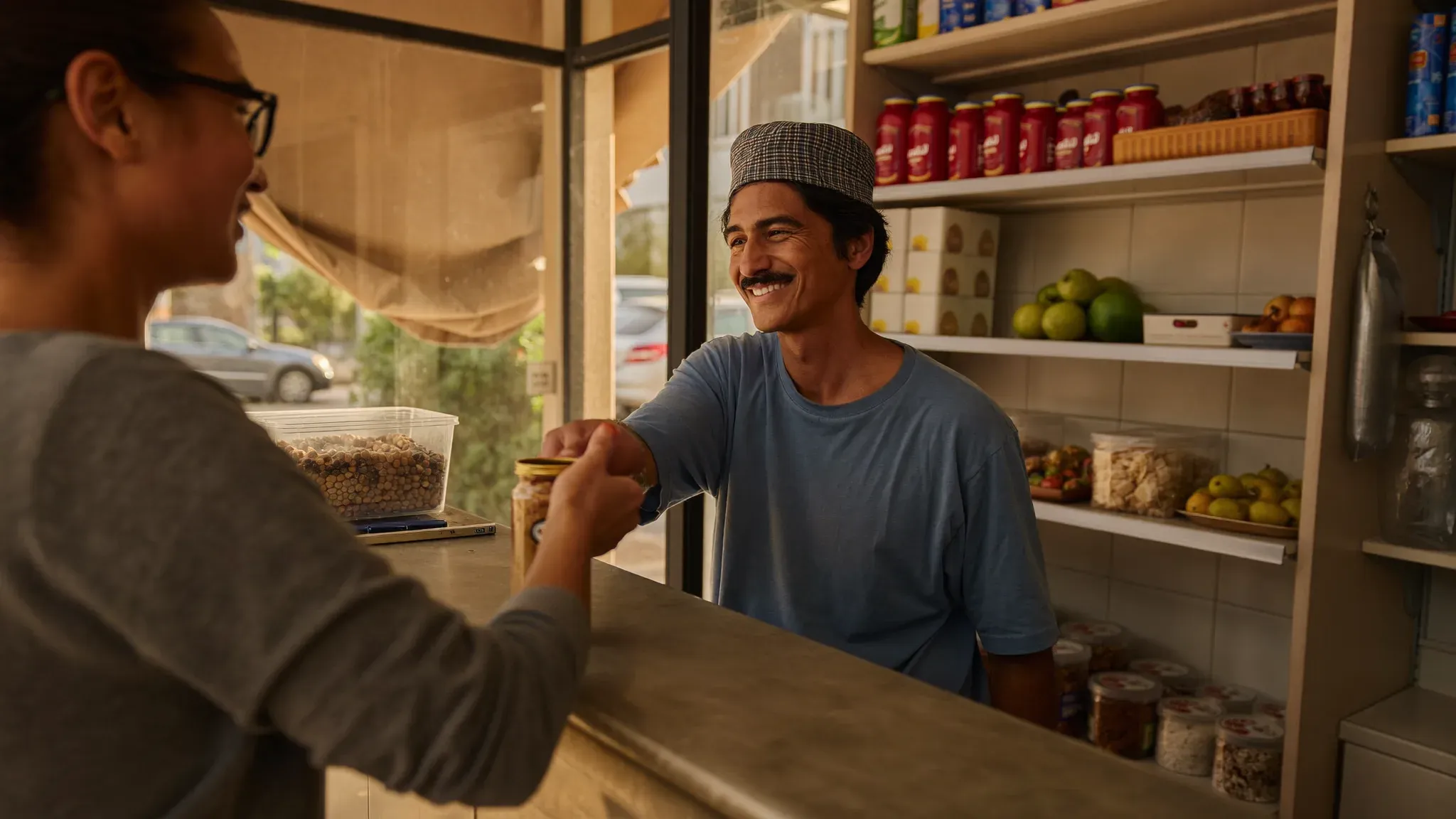
- Three problems quietly erode every retail business run "by feel": stockouts that lose sales, invisible losses from theft or errors, and flying blind without clear numbers on margin and sell-through.
- A good point-of-sale system is fast (barcode scan, instant search, touchscreen) and keeps working offline: it records sales locally when the connection drops and syncs automatically once it returns, so no sale is ever lost.
- POS software should speak your trade: weight barcodes for grocery, serial/IMEI tracking for phones and electronics, and variants with threshold and expiry alerts for fashion, jewelry and parapharmacy.
- Growing merchants need one dashboard that consolidates stock per store, transfers between sites and overall reports — so you can run 2 stores like 20, even remotely — plus an online store synced with in-store stock to avoid double entry.
- PosXT brings all of this together — touchscreen checkout, offline mode, real-time stock, multi-store and a synced online store — with a 14-day free trial and no credit card required.
Running a retail business means juggling the checkout, stock, suppliers, customers and, increasingly, online sales. Many merchants steer all of this "by feel," with a notebook and a calculator. It holds for a while, then growth reveals the cracks: stockouts, invisible losses, blurry margins. This guide tours what you need to master — and how good POS software changes a shop's life.
The daily realities of a shop
A retail business is a constant flow: fast sales at the counter, stock moving all the time, suppliers to pay, customers to keep. Three problems show up everywhere:
- Stockouts: a customer leaving because you no longer have the item is a lost sale and sometimes a lost customer.
- Invisible losses: products that "disappear" without knowing whether it's theft, breakage or a checkout error.
- Flying blind: without clear numbers, you don't know what works, what sits idle, or what your real margin is.
The checkout: the heart of the shop
It all starts at the checkout. A good modern checkout (a "POS," for point of sale) doesn't just take payment: it records every sale, updates stock in real time, and feeds your reports. Checkout must be fast — instant search, barcode scan, touchscreen — because at rush hour, every second counts. And it must be reliable: a checkout that lags or crashes drives customers away.
A checkout that works even without internet
A dropped connection should never freeze your counter. A modern checkout runs in offline mode: it keeps taking payment, printing receipts and recording sales locally, then syncs automatically the moment the connection returns. Your data stays consistent, your stock updates, and no sale is lost. That's what separates a professional tool from a simple app that depends on the network.
Mastering your stock
Stock is your money sitting on shelves. Managing it well means knowing at all times what you have, at what cost, and when to restock. The key functions: real-time tracking, valuation (cost and sale price), threshold alerts to order before a stockout, and adjustments to spot discrepancies. A merchant who masters stock ties up less cash and misses fewer sales.
Every trade has its needs
Generic POS software hits its limits fast. The real value comes from adapting to your trade:
Grocery (grocery, produce, butcher)
Sale by weight requires scale labels and weight barcodes. Without it, weighing and checkout become a source of errors and disputes.
Phones and electronics
Here, each device must be tracked by its serial number or IMEI. It's essential for managing warranties, proving returns and tracing stock.
Fashion, jewelry, parapharmacy
These businesses live on variants (size, color, model) and thin margins. The software must handle variants, value stock and alert on thresholds and expiry.
Several stores? One dashboard
When a business grows and opens a second, then a third point of sale, the risk is losing the overview. The solution: a system that consolidates everything — stock per store, transfers between sites, overall reports — to run 2 stores like 20 from a single screen, even remotely. That's what separates a merchant who endures growth from one who masters it.
Selling in-store and online
More and more shops also sell online. The trap is managing two separate stocks and ending up selling online an item already gone in the shop. The right approach: an online store synced with the checkout, where in-store stock and web stock are one. You sell on both channels without double entry or bad surprises.
Checkout hardware
A shop needs reliable hardware: receipt printer, barcode scanner, scale for grocery, cash drawer, sometimes a customer display. The software must support this hardware without tinkering, so the counter runs smoothly.
Clean, compliant receipts
Modernization also touches shops: receipts must be clean, readable and ready to evolve with invoicing and traceability requirements. Choosing a tool that adapts to regulatory changes avoids having to change everything later.
How to choose your POS software
To choose well, prioritize: checkout speed and reliability, offline mode with automatic sync, adaptation to your trade, multi-store management if you grow, a built-in online store, responsive support, and a free trial to test on your own products before committing.
Training your team on the checkout
The best software is useless if the team can't use it. The good news: a modern checkout is learned in a few hours, not a few days. Favor a simple tool, with large touch buttons and clear screens, and train your salespeople on the daily gestures: take payment, find a product, apply a discount, close the register. A comfortable team means fewer errors, shorter queues and happier customers.
The metrics to watch every week
Running a shop means looking at a few key numbers, regularly. Revenue per day and per salesperson, the products that sell fastest, the ones sitting idle, your real margin after discounts, and the stock level of important items. These metrics, available in seconds in good software, beat a stressful month-end inventory. They tell you what to restock, what to feature, and where you actually make money.
From the counter to a café or snack bar
A café or snack bar can work perfectly well in counter mode: fast checkout, payment, and consumables tracking. The key is choosing a tool that matches your reality — a simple counter doesn't need the complexity of a full restaurant with table plans. Start with the essentials (sell fast and well, track stock), and let your organization evolve as your business grows. The goal is to remove friction, not to add complexity you'll never use.
Start small, grow steadily
You don't need every feature on day one. Get the checkout and stock right first, see the difference on your daily operations, then add the online store, multi-store or advanced reports as your business grows. The merchants who succeed with software are those who adopt it for real and let it grow with them — not those who buy the biggest package and never use half of it. Start simple, build the habit, then extend.
PosXT, the connected checkout for merchants
PosXT brings all this together: fast touchscreen checkout, offline mode with automatic sync, real-time stock, weight barcodes, serial/IMEI tracking, variants, multi-store, a synced online store, smart reports and supported hardware. A brand in its own right, PosXT has its own site, where you can try the checkout and start a free trial — the best way to see, on your shop, what it changes day to day.
Ready to modernize your shop?
PosXT is a connected touchscreen checkout — offline mode, real-time stock, multi-store and a synced online store. 14-day free trial, no credit card.